Angular 6 CRUD Tutorial: Add, List, Edit and Delete Users
A complete, ready-to-download Angular 6 example that walks through a full user CRUD (Create, Read, Update, Delete) flow: a login screen backed by an HTTP service, a paginated user list pulled from an API, a detail view, a delete confirmation, and a validated form to add new users. Built with Angular Material and Angular Animations so you get a polished starting point instead of a bare-bones example.
Technologies used
- Angular 6
- Angular Material
- Angular Http
- Angular Animations
- Sass
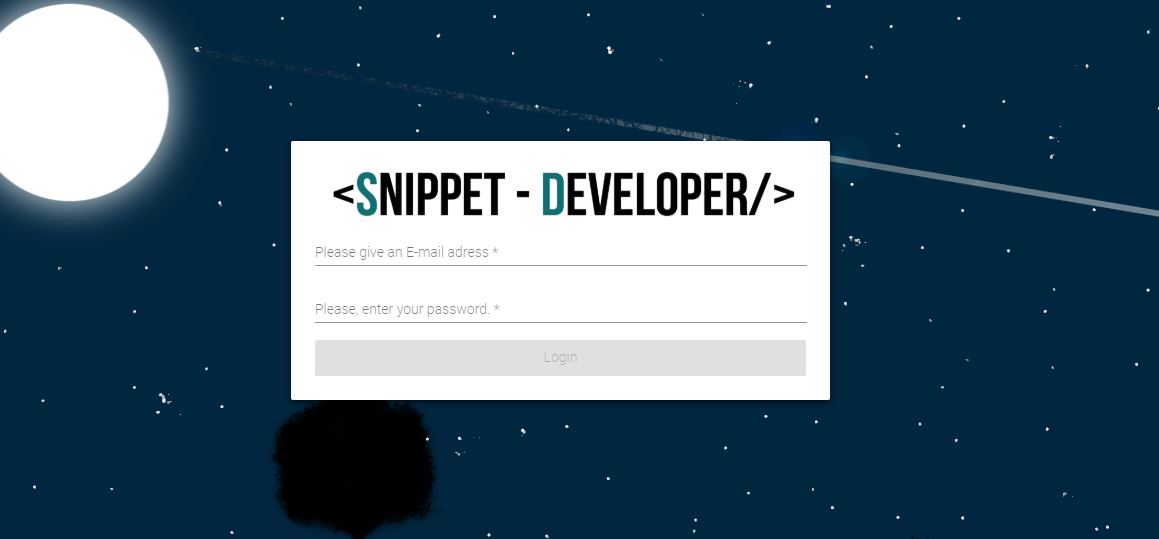
Below I present a mini project that can be reused as a base. The project is very simple, allows a user to be able to access securely with an email (admin@admin.com) and a password (Admin123) Each text box has its respective validation against an exposed service, where only two parameters are sends that are electronic mail and password, If the service request is correct, it will respond with a status (correctly or failed)
This example can be seen how the parameters are sent to the service. This is also done by this log-in view.
If the request is correct
If logging is correct
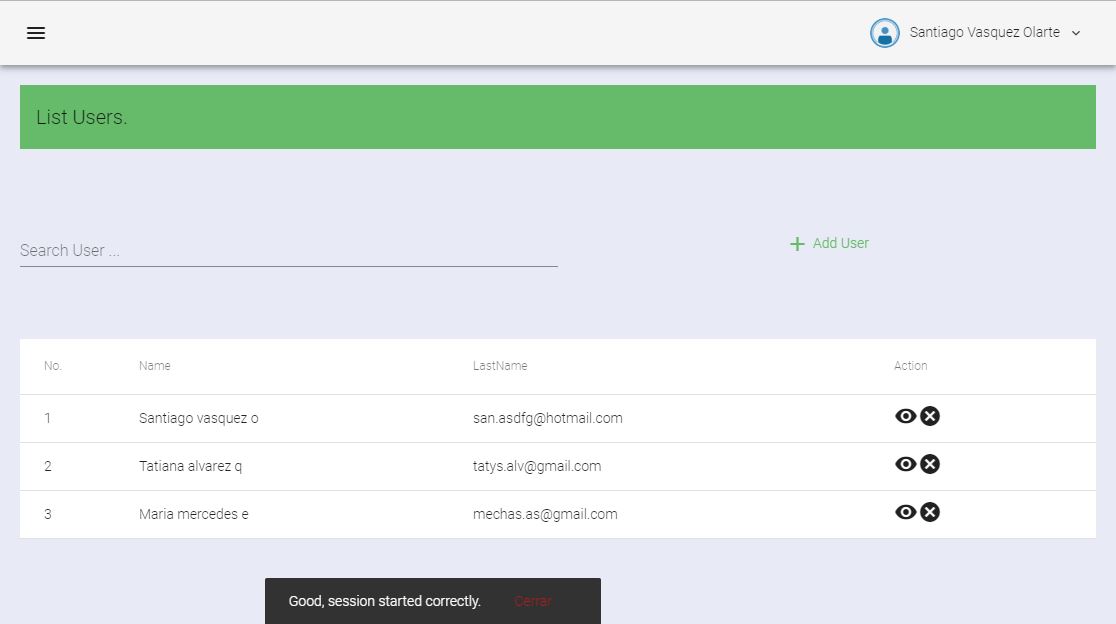
If logging is correct, it will automatically be redirected to the home page, On the main page you will find a list of users, which is obtained from a services (API)
User list: paginated results pulled from the API
Once logged in, the list view fetches every user from the service shown above and renders it as a paginated Angular Material table, so it stays fast even with a large data set.
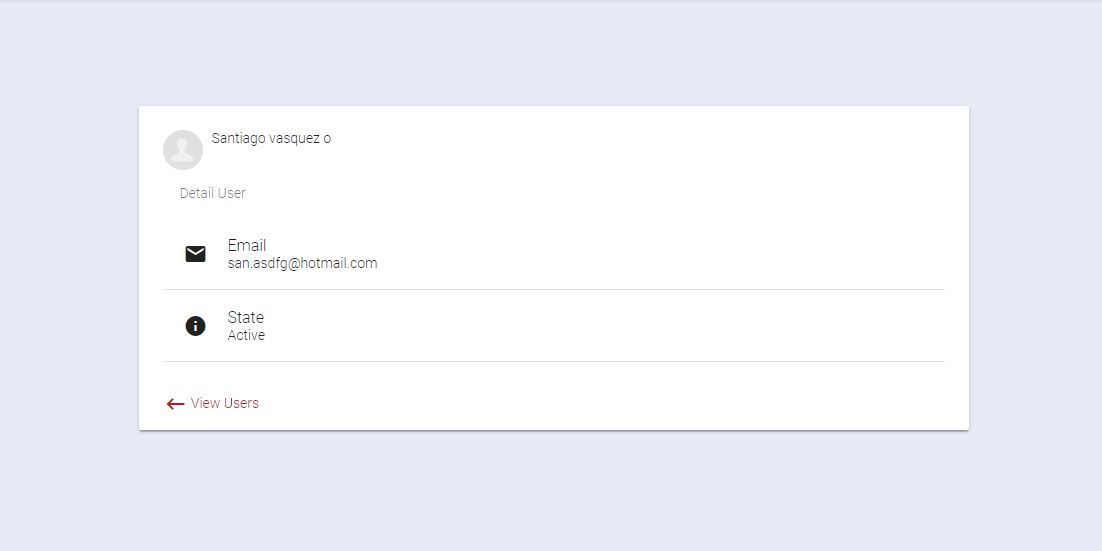
User detail view
Clicking a row opens the detail view with every field the API returned for that user, useful whenever you need a quick read-only lookup before editing or deleting a record.
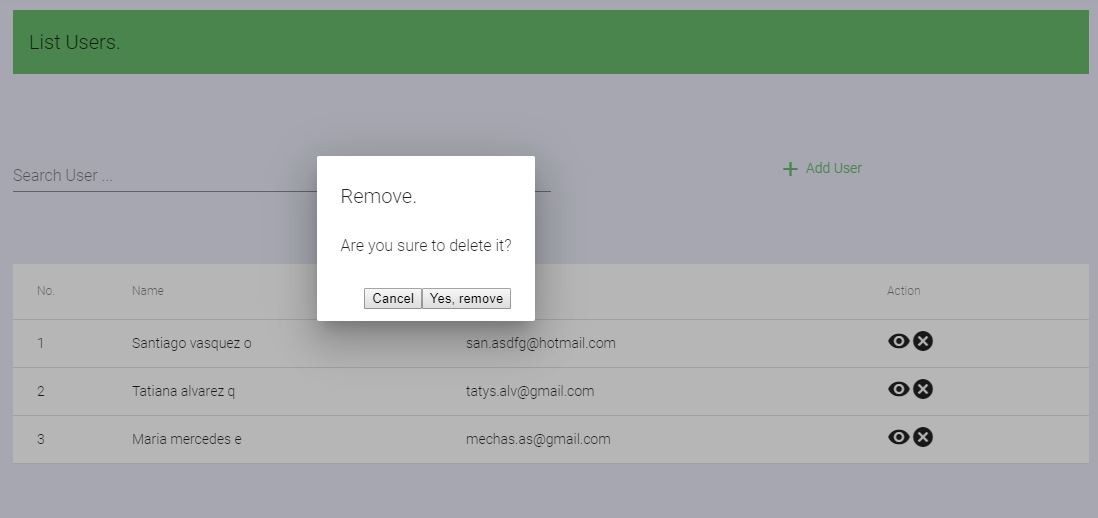
Deleting a user with a confirmation prompt
Delete actions are guarded by a confirmation alert, so a user can't be removed by accident.
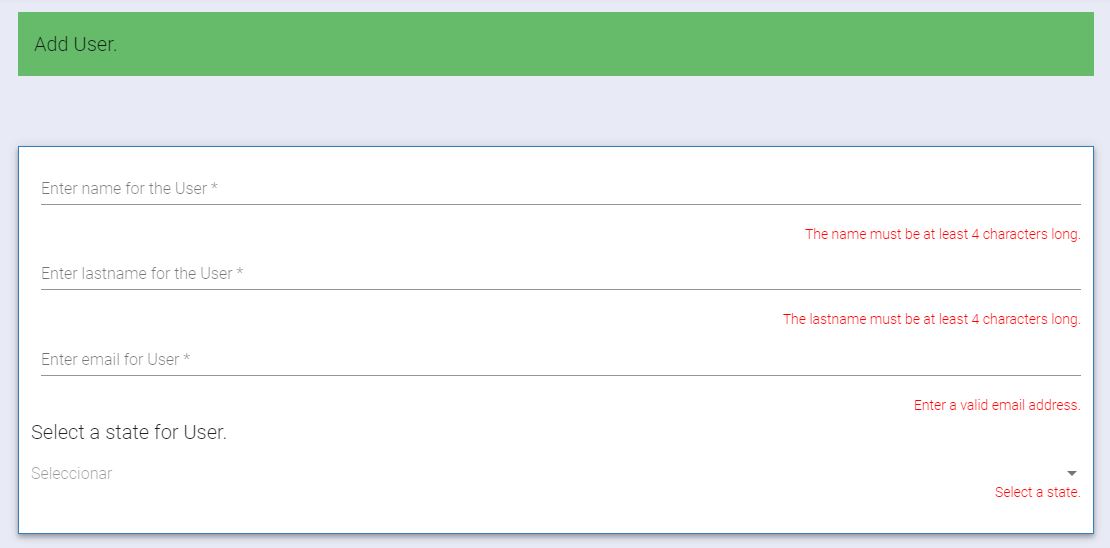
Adding a new user with field-level validation
The add-user form validates each field as you type, so it's impossible to submit incomplete or malformed data to the API.